
How to Create an Account
- Open the Bullets sign-up page.
- Choose a unique username.
- Create a secure password.
- (Optional) Enter a referral code.
- Select Create Account.
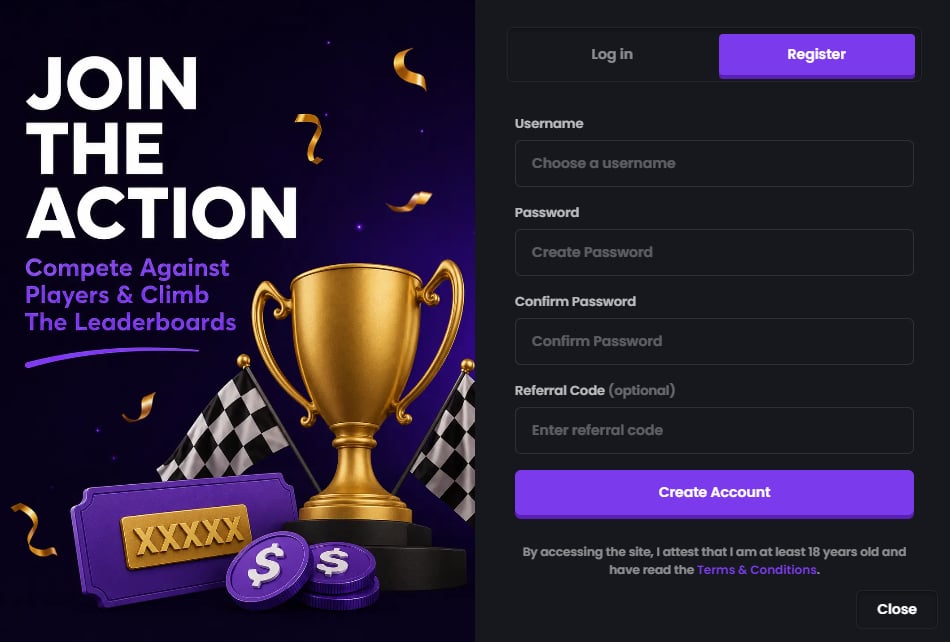
Choosing a Username
Your username is how other players will identify you on Bullets. When choosing a username:- Pick something unique.
- Avoid impersonating other players or public figures.
- Make sure it follows our Community Guidelines.
Creating a Secure Password
Choose a password that is difficult for others to guess. We recommend:- Using a long password.
- Including a mix of letters, numbers, and symbols.
- Avoiding passwords you’ve used on other websites.
Referral Codes
During sign-up, you can optionally enter a referral code. Referral codes let you register under a creator, partner, friend, or community member. Depending on the referral program, different codes may offer different benefits or promotions. Using a referral code is completely optional. If you don’t have one, simply leave the field blank and continue creating your account.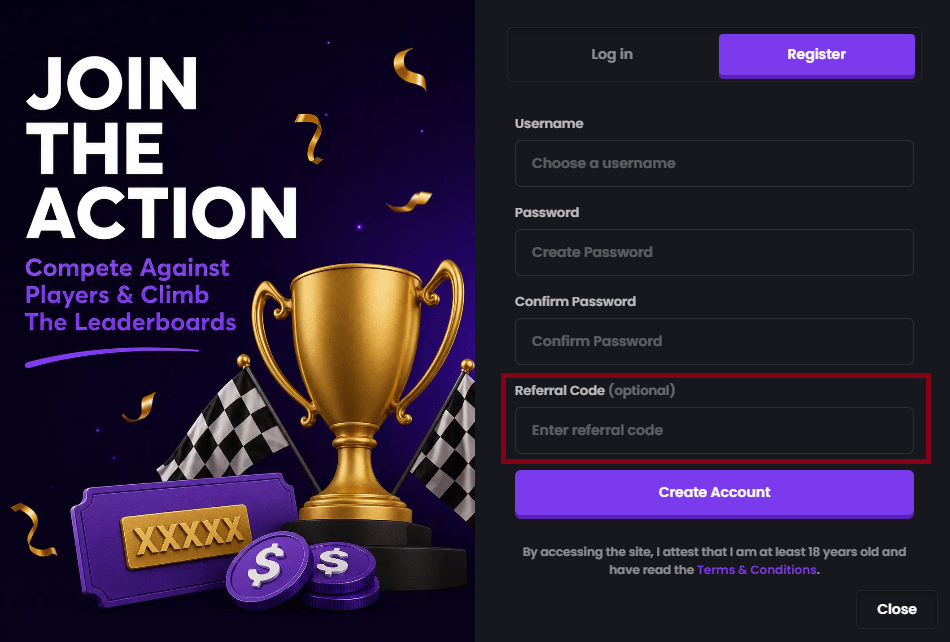
No Email Verification
Bullets does not require email verification during account creation. Once you’ve chosen your username and password, your account is ready to use immediately—there are no additional verification steps before you can start using the platform.What’s Next?
After creating your account, you may want to:- Deposit funds into your wallet.
- Set up your profile.
- Create or join your first match.
- Explore the rest of the Help Center to learn how Bullets works.